GPA Calculator Guide for Students
Keeping track of your grades across multiple courses and semesters takes real effort. Doing the math by hand every time you want to check your GPA is tedious and leaves plenty of room for error.
Free GPA Calculator
Calculate your GPA instantly
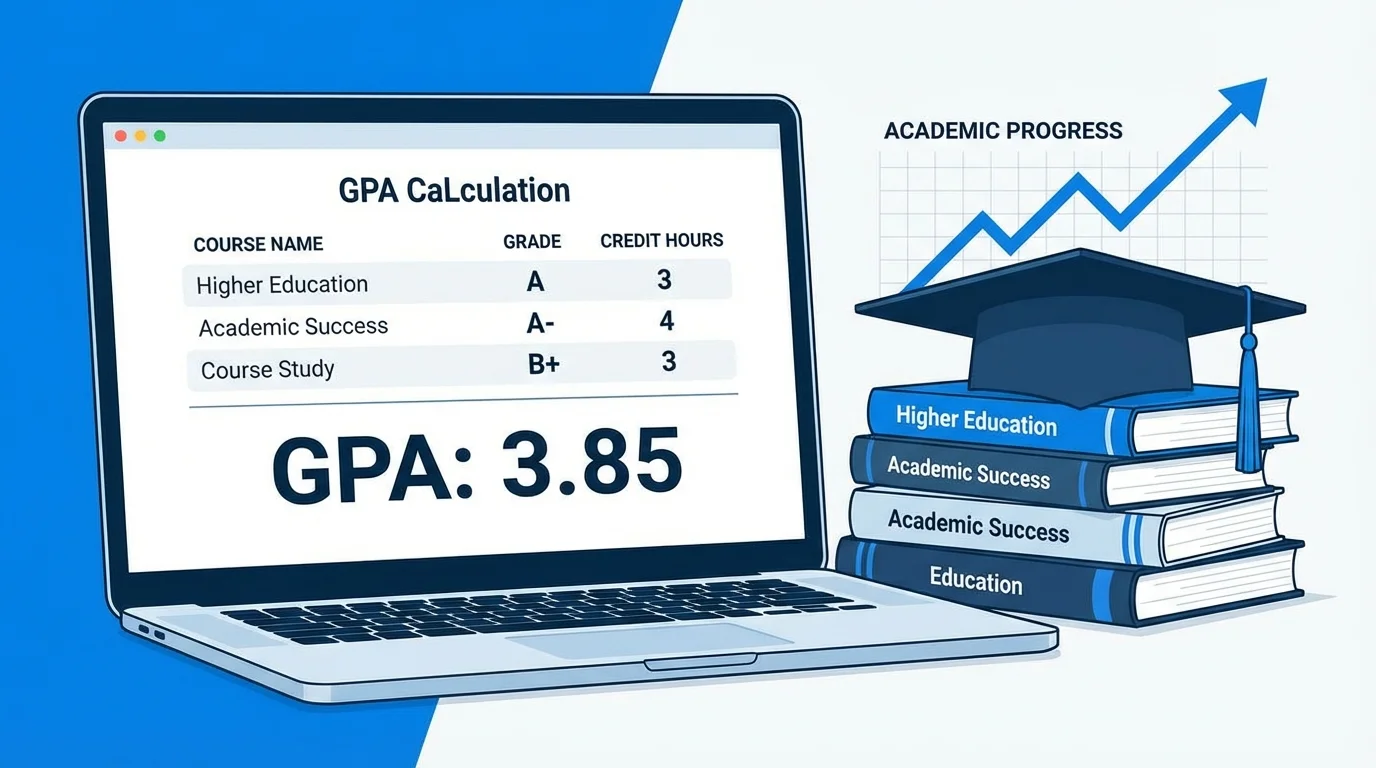
Keeping track of your grades across multiple courses and semesters takes real effort. Doing the math by hand every time you want to check your GPA is tedious and leaves plenty of room for error. That is where a GPA calculator comes in. It handles all the calculations for you so you can focus on what actually matters: your studies.
This guide walks you through everything you need to know about using a GPA calculator effectively, from getting started to using it strategically throughout your academic career.
What Is a GPA Calculator?
A GPA calculator is an online tool that computes your Grade Point Average based on the grades and credit hours you enter. You put in your course data and the calculator does the math instantly. No formulas to memorize, no manual arithmetic, no risk of miscalculating something that affects a major decision.
A good GPA calculator will handle semester GPA for a single term, cumulative GPA across all semesters, weighted GPA for AP and Honors courses, and future planning by showing you what grades you would need to reach a target.
How to Use a GPA Calculator Step by Step
Using a GPA calculator takes about two minutes once you have your grades in front of you. Here is exactly how to do it.
Step 1: Collect Your Course Information
Before opening the calculator, gather the following for each course you want to include:
The letter grade you earned or expect to earn. The number of credit hours the course is worth. Whether it is a regular, honors, or AP class if you are using a weighted calculator.
Most college courses are worth 3 credit hours. Lab courses and certain advanced classes may be 4 or 5 credits. Check your course syllabus or student portal if you are unsure.
Step 2: Choose the Right Grading Scale
Most GPA calculators default to the standard 4.0 scale. According to the academic grading system used in the United States, many schools add 0.33 for a plus grade and subtract 0.33 for a minus grade. If your school uses a different scale such as 4.33, or a 5.0 weighted scale for advanced courses, select that option before entering your grades. Using the wrong scale will give you an inaccurate result.
Step 3: Enter Your Courses and Grades
Add each course one at a time by entering the grade and credit hours. Here is an example of what your input might look like for a typical college semester:
| Course | Grade | Credit Hours |
|---|---|---|
| English Composition | A | 3 |
| Statistics | B+ | 4 |
| World History | A | 3 |
| Chemistry | B | 4 |
| Introduction to Philosophy | A | 3 |
Step 4: Read Your GPA Result
Once all courses are entered, the calculator shows your GPA instantly. Using the example above, here is what the calculation looks like behind the scenes:
| Course | Grade Points | Credit Hours | Quality Points |
|---|---|---|---|
| English Composition | 4.0 | 3 | 12.0 |
| Statistics | 3.3 | 4 | 13.2 |
| World History | 3.7 | 3 | 11.1 |
| Chemistry | 3.0 | 4 | 12.0 |
| Introduction to Philosophy | 4.0 | 3 | 12.0 |
| Total | 17 | 60.3 |
GPA = 60.3 divided by 17 = 3.55
Your semester GPA for this example would be 3.55.
How to Calculate Your Cumulative GPA Using a Calculator
Your cumulative GPA covers your full academic history, not just one semester. Most GPA calculators let you calculate this in two ways.
The first way is to enter all your courses from every semester and let the calculator aggregate them into a running total. This works well if you are just starting out or have only completed a few semesters.
The second way is to enter your existing cumulative GPA and the total credit hours you have already earned, then add your most recent semester on top. The calculator does the blending automatically. Here is how that looks:
| Input | Value |
|---|---|
| Current cumulative GPA | 3.30 |
| Total credits earned so far | 45 |
| This semester GPA | 3.55 |
| This semester credits | 17 |
New cumulative GPA = ((3.30 x 45) + (3.55 x 17)) divided by (45 + 17) = 208.85 divided by 62 = 3.37
Your cumulative GPA would update from 3.30 to 3.37 after this semester.
Using a GPA Calculator to Plan Ahead
One of the most useful things you can do with a GPA calculator is use it before grades are finalized, not just after. Here is how students use it strategically:
Setting grade targets at the start of a semester. Enter the courses you are taking along with the grades you are aiming for. The calculator shows you exactly what GPA that course load would produce. If it falls short of your goal, you know right away to push harder in certain courses.
Running what-if scenarios before finals. If you are worried about a grade in one class, try entering a lower grade and see how much it moves your GPA. Sometimes the impact is smaller than you feared, which can actually relieve some stress. Other times it shows you that a particular final exam really does matter a lot, which helps you prioritize your study time.
Planning how long it will take to raise your GPA. If your cumulative GPA is lower than you want, plug in strong hypothetical grades for future semesters and see how many terms it would take to reach your target. This gives you a realistic roadmap instead of a vague hope.
Types of GPA Calculators You Will Encounter
Not all GPA calculators are designed for the same purpose. Here is a quick breakdown of the main types:
Semester GPA Calculator computes your GPA for one term only. This is the most basic type and is useful for checking your performance after each semester is complete.
Cumulative GPA Calculator calculates your overall GPA by combining data from multiple semesters. This is the number that matters most for transcripts and applications.
High School GPA Calculator is designed for students who may not have credit hours assigned to their courses. It calculates GPA based on grades alone or with weighted values for advanced courses.
College GPA Calculator incorporates credit hours into every calculation, which is how virtually all college and university GPA is officially computed.
Weighted GPA Calculator applies the extra grade point values for Honors, AP, and IB courses, making it specifically useful for high school students in rigorous programs.
Common Mistakes to Avoid
Entering the wrong number of credit hours. This is the most common error. A course with 4 credit hours has significantly more impact on your GPA than a 2 credit hour course. Always double check the credit value in your school portal or course catalog.
Using the wrong scale. If your school uses 4.33 and you enter grades on a 4.0 scale, your calculated GPA will be lower than your actual GPA. Make sure the calculator matches your institution's grading policy.
Mixing up semester GPA and cumulative GPA. These are two different numbers. Your semester GPA is for one term. Your cumulative GPA is for everything combined. Know which one you need before making decisions based on the result.
Not accounting for repeated courses. If you retook a course and your school uses grade replacement, you should not include the original grade in the calculator. Only enter the most recent grade. Including both will drag your calculated GPA below your real one.
Final Thoughts
A GPA calculator is one of the most practical academic tools available to students at any level. Using it regularly, not just at the end of each semester, helps you stay aware of where you stand, plan ahead with real numbers, and make informed choices about your course load and study priorities. Try our free GPA calculator today and take the guesswork out of tracking your academic progress.
Frequently Asked Questions
How accurate is a GPA calculator?
Can I use a GPA calculator for graduate school?
What if my school uses percentage grades instead of letter grades?
Should I use the weighted or unweighted calculator?
Written by
Adnan Ajmal
Software Developer
Adnan built GPA Calculator to give students a free, transparent tool for tracking their academic standing. All formulas follow the standard weighted average method used by US university registrars. Learn more about this site.
Related Articles

PhD Program GPA Requirements: What Admissions Committees Actually Look For
PhD admissions committees evaluate GPA through three lenses: trajectory (did grades improve over time?), subject alignment (were strong grades earned in relevant courses?), and institutional context (what does this GPA represent at this institution?). The minimum stated threshold is 3.0 at most programmes; the competitive threshold for admission at programmes of significant quality is 3.5 or above.

Academic Dismissal and GPA: Your Options for Readmission
Academic dismissal is the formal separation of a student from their institution after sustained failure to meet minimum GPA standards, typically a 2.0 cumulative average. Most institutions provide a structured readmission pathway through a formal appeal process, a required separation period of one academic year, and specific academic conditions attached to reinstatement.

Grade Forgiveness Policies: Which Colleges Offer Second Chances
Grade forgiveness policies, also called academic renewal, fresh start, or grade replacement depending on the institution, allow students to reduce or eliminate the GPA impact of previously earned failing grades. The original grades remain on the transcript in nearly all cases but are excluded from the cumulative GPA calculation. Graduate and professional school applications, including AMCAS and LSAC, typically include all attempted courses regardless of institutional forgiveness.

AP Exam Scores vs AP Class Grades: Which Matters More for GPA
AP class grades enter the high school weighted GPA calculation directly. AP exam scores do not. An A in AP Chemistry earns 5.0 weighted quality points regardless of what score the student earns in May. However, colleges use AP exam scores as an external benchmark to evaluate whether class grades reflect genuine mastery, and in the current test-optional environment, this evaluative role has grown.